From webcam frame to counted rep
The biomechanical kinematics and computer vision behind every tracker in the lab, in four stages.
Body detection via computer vision
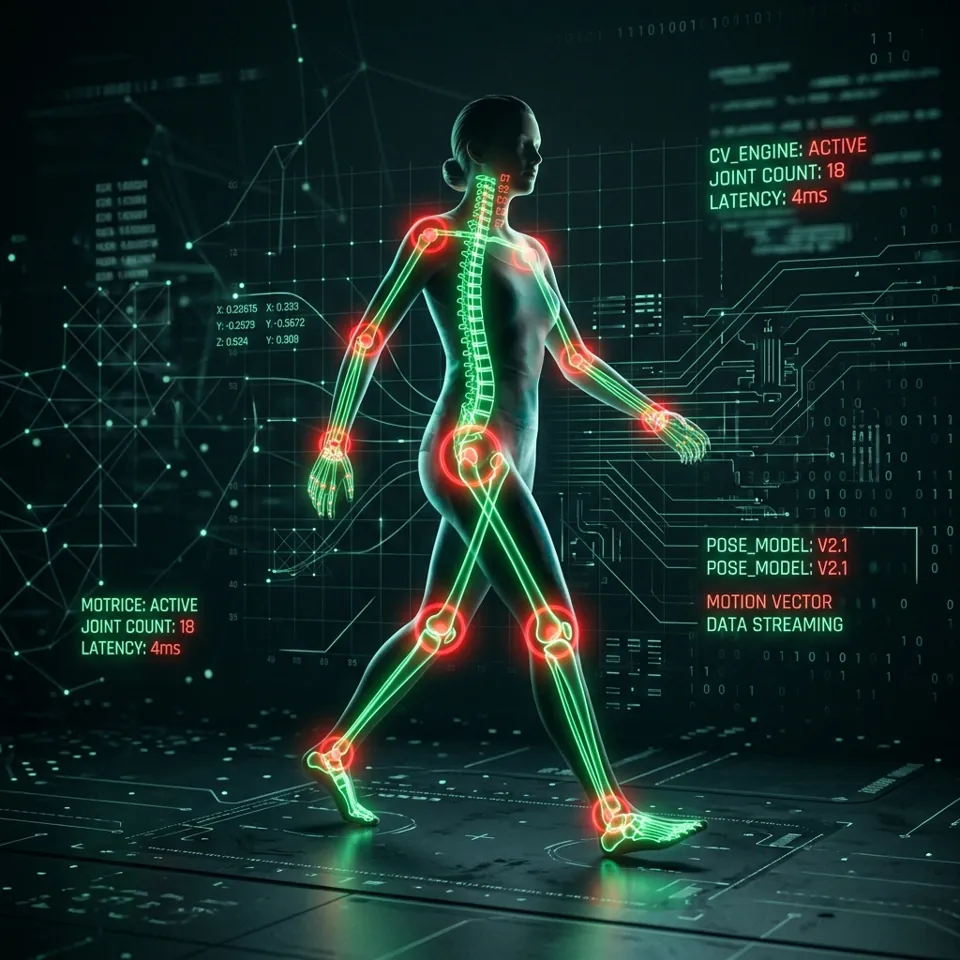
The platform is powered by Google MediaPipe Pose, a machine learning framework capable of high-fidelity body tracking.
When you start the camera, the video feed is processed entirely locally on your device in real time. The model analyses each frame and identifies 33 distinct 3D landmarks across your body, including joints such as shoulders, elbows, wrists, hips, knees, and ankles.
By mapping out these key points, the system understands your spatial orientation and exact posture at any given moment, without any wearable sensors.
Calculating biomechanical angles
Once the model has mapped the coordinates of your joints (their X and Y positions on screen), geometric formulas give the angles between them.
To measure your elbow during a biceps curl, for example, we use three points: the shoulder (A), the elbow (B), and the wrist (C). The two-argument arctangent returns the angle at B in degrees:
// x is a fraction of the frame width, y of its height:
// rescale x first so angles keep their true shape on any camera
const aspect = video.videoWidth / video.videoHeight;
let radians = Math.atan2(c.y - b.y, (c.x - b.x) * aspect)
            - Math.atan2(a.y - b.y, (a.x - b.x) * aspect);
let angle = Math.abs(radians * 180 / Math.PI);
if (angle > 180) angle = 360 - angle;
Each reading is then averaged over the last ~160 ms, which steadies the number without adding lag on slower phones, and refreshes with every camera frame.
Drawing conclusions with a state machine
Real-time angles feed a state machine that evaluates the movement and counts repetitions.
Every exercise has defined physiological thresholds. For a squat, the system watches your knee angle: standing straight it sits near 180°, and it falls as you lower your hips.
- The “down” stage: once your knee angle drops below 100°, you have reached the bottom of the squat and the state switches to “down”.
- The “up” stage: as you stand, if the angle exceeds 160° and the previous state was “down”, a full repetition is registered.
Because a rep must pass through both thresholds in order, half-reps and bounces never count. Only full range of motion does.
Feedback without the clutter
While you train, the camera view shows only two things: your skeleton and a slim progress meter that fills as you move through the rep. There are no numbers or letters on your body to distract you.
When a form check fails, for example a rounding back on a deadlift or sagging hips on a push-up, the skeleton turns red and the side panel tells you how to fix it in plain words.
The side panel also holds your rep count (or hold time) and the next cue. Pressing Stop ends the set, so everything starts again from zero on the next Start.
- Volt skeletonGood position: keep going
- Red skeletonForm fault: the panel says how to fix it
- Progress meterFills from the start of the rep to its end point
- Cue coloursAmber: get ready · Volt: move now · Red: fix your form